How to Inspect a pg_dump Without Restoring It
A database backup is usually made for recovery. Sometimes you only need to know what is inside it.
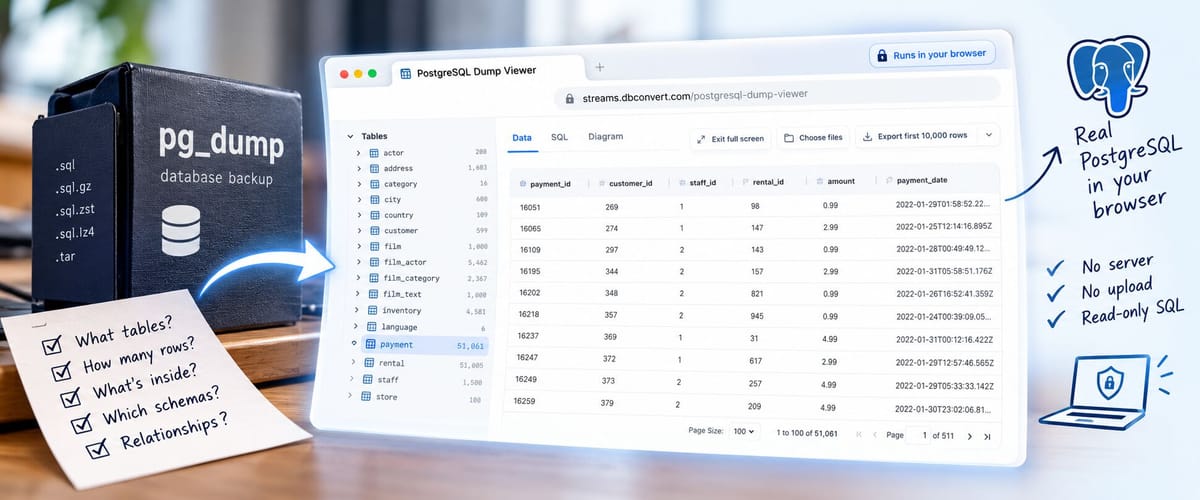
You can't read a pg_dump file the way you read a table. To see what is inside, you normally restore it into a PostgreSQL server first.
pg_restore and grep can list the tables without a restore, and even print a table's rows as raw text. They can't filter, sort or join them.
The free PostgreSQL Dump Viewer opens a pg_dump without a server. It replays the dump into a real PostgreSQL inside your browser tab and shows the tables, rows and foreign keys. You can run read-only SQL on it, and the file is never uploaded.
Before restoring a dump, you often need one small answer: is this the right backup, which schemas does it contain, are the rows you need actually there? Starting a server, restoring, waiting and then running one query is sensible for a real recovery. It is too much ceremony for a received backup or a pre-restore check.
The job is inspection, not recovery
Restoring a database puts it back into service; inspecting a dump answers a question about a file.
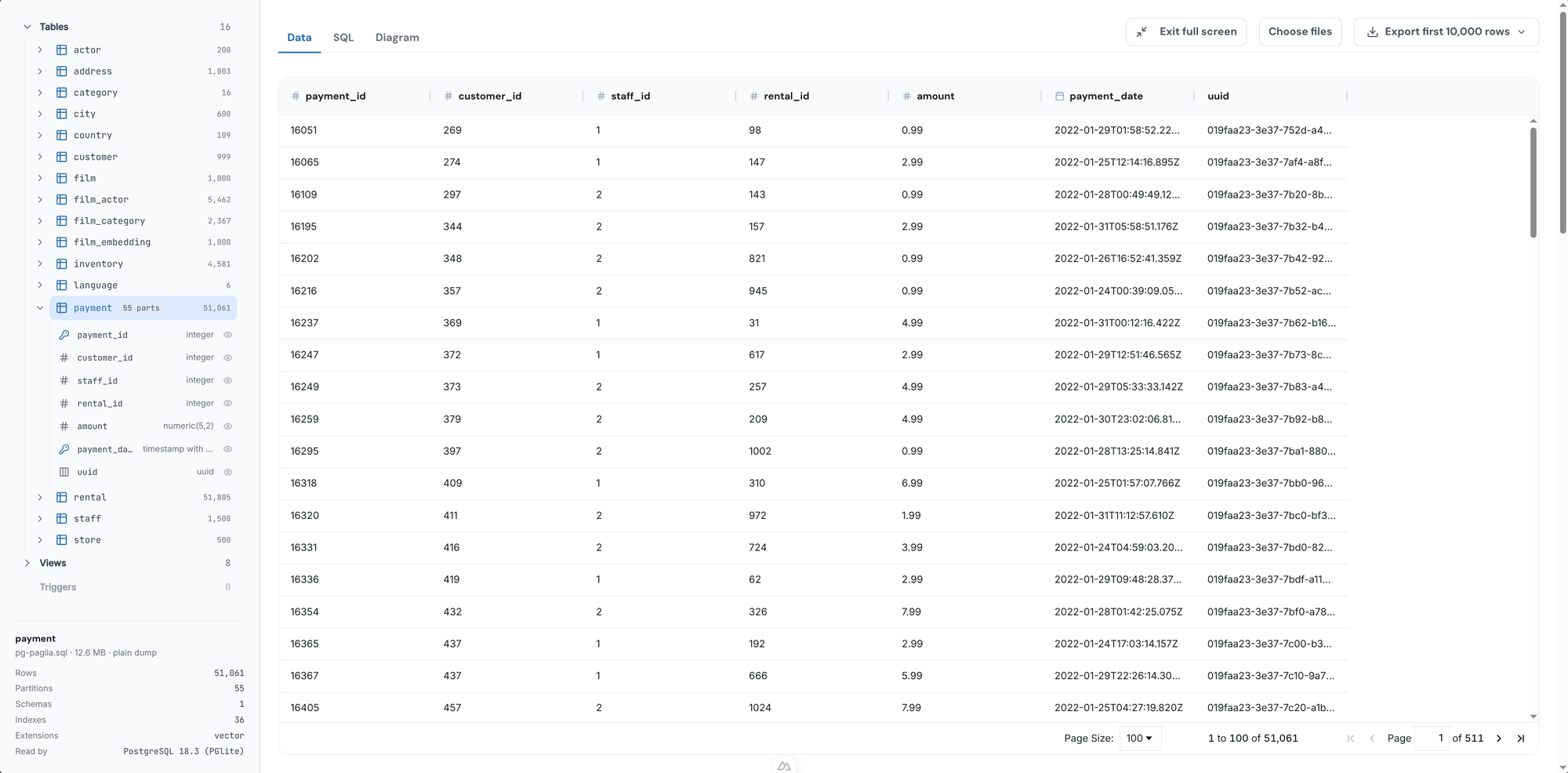
For inspection, the first things I want are usually the database tree, a table preview, the declared foreign keys, and read-only SQL. If I find what I need, I might export that result as CSV or JSON. If I do not, I have learned that before setting up a server and committing to a restore.
Replay the dump in the browser instead of on a server
That is why we built the PostgreSQL Dump Viewer. It replays the dump into a real PostgreSQL running inside the browser tab. The file never leaves your computer, and the temporary database is gone when you close the tab.
The result is deliberately narrow: browse schemas and tables, inspect relationships, run read-only PostgreSQL SQL, and export a result. It is not a production restore service.
| PostgreSQL Dump Viewer | Restore into a PostgreSQL server | |
|---|---|---|
| Setup | A browser tab. Nothing to install | A running server, a role, an empty database |
| Schemas, tables, row counts | ✓ | ✓ |
| Rows and read-only SQL | ✓ SELECT and WITH |
✓ Any SQL |
| Foreign keys as a diagram | ✓ Diagram tab | Needs a separate tool |
| Export a result | CSV or JSON | Anything psql or COPY writes |
Custom (-Fc) and directory (-Fd) dumps |
✗ Convert first | ✓ |
| Change the data, run the application | ✗ Read-only | ✓ |
Open the dump in three steps
- Go to the PostgreSQL Dump Viewer.
- Choose or drop the dump file. The viewer reads the format from the file's first bytes, not from its name, so a plain dump saved as
.backupor.dumpstill opens. - Pick a table in the tree on the left. Its rows open on the Data tab; the tree shows every schema, with the tables, views and row counts inside it.
See how the tables are related
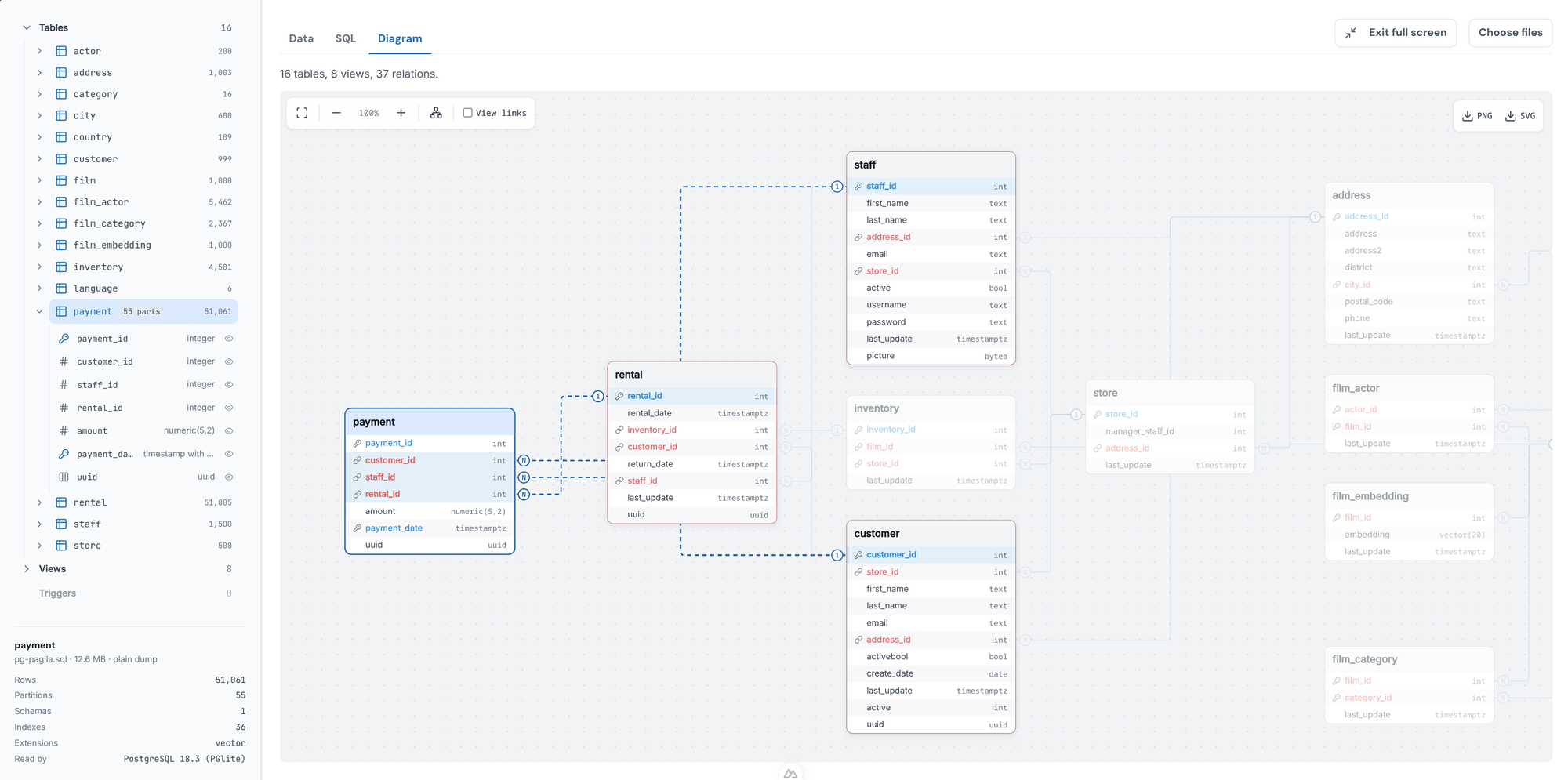
The Diagram tab draws the tables and the foreign keys PostgreSQL holds once the dump is replayed. A partitioned table is drawn once, not once per partition.
Query it with PostgreSQL's own SQL
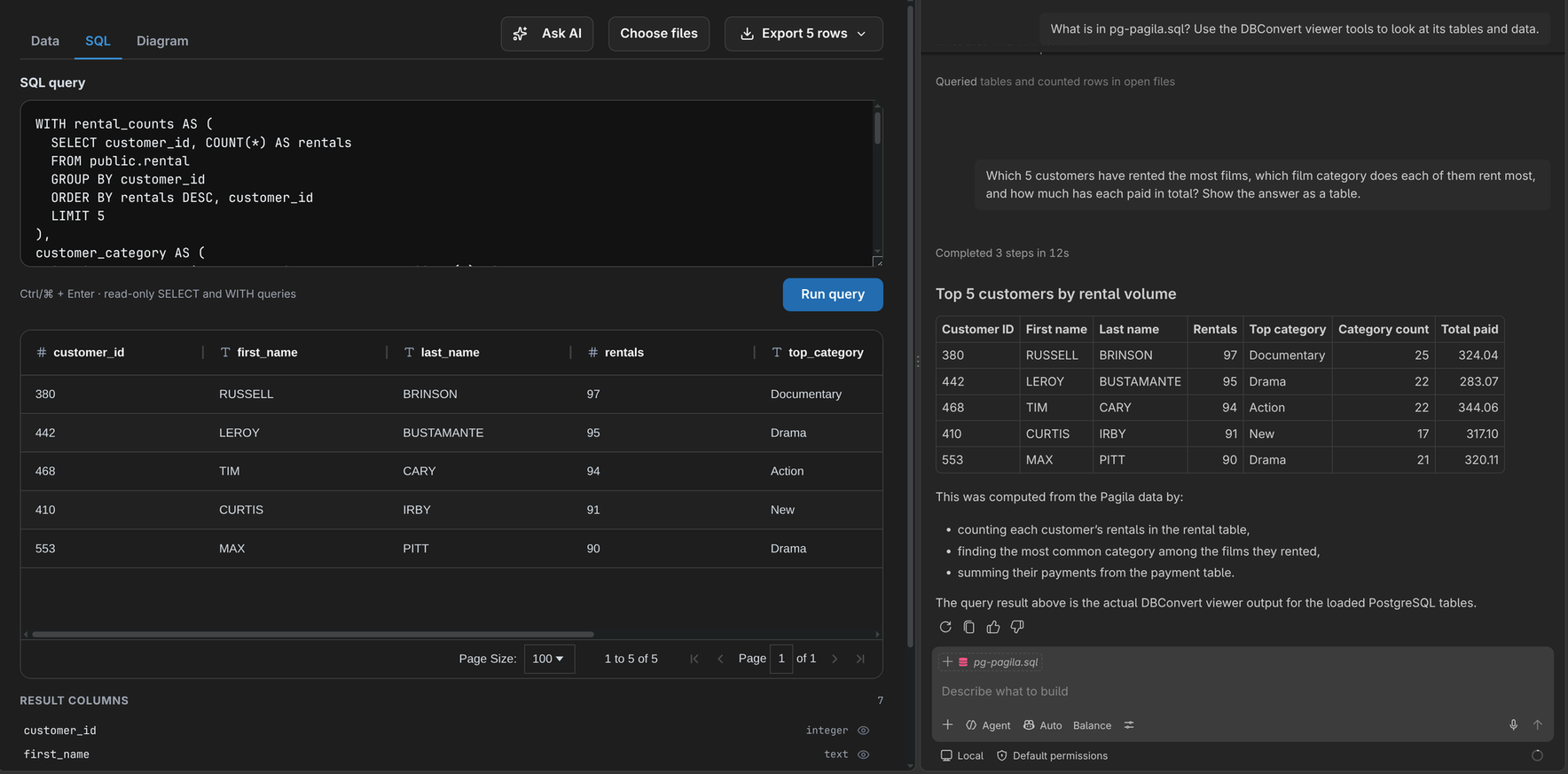
The SQL tab runs SELECT and WITH queries against a real PostgreSQL, not a parser's approximation of one, so PostgreSQL syntax, functions and types work as they would on a server. Tables are reachable without their schema prefix: SELECT * FROM orders works. When two schemas hold a table of the same name, prefix it: sales.orders.
What opens
The viewer opens:
- plain dumps:
.sql, or compressed as.sql.gz,.sql.zstor.sql.lz4 - tar archives, made with
pg_dump -Ft
Custom (-Fc) and directory (-Fd) dumps don't open. Convert them to plain SQL first:
pg_restore -f dump.sql yourfile.dump
For a directory dump, pass the folder instead of the file.
The whole database has to fit in the tab's 2 GB of memory, and PostgreSQL itself takes about a third of that. A multi-gigabyte dump still needs a real server.
If the dump uses PostGIS or pgvector, the viewer loads them. TimescaleDB can't be loaded; the objects that need it are listed by name.
The same viewer in your editor
The viewer is also an extension for VS Code, and through Open VSX for Cursor and VSCodium. Its Ask AI about this file button lets the editor's own agent query the dump, read-only, and answer in plain English.
Open an unknown dump here, not on a server
A dump is SQL, and restoring it runs that SQL. On a real server, restored as a superuser, a hostile dump can run shell commands and read files through COPY … TO PROGRAM.
In the viewer the same SQL runs in a throwaway PostgreSQL inside the browser tab. It has no network, no file system and no shell, and it is gone when you close the tab.
The goal is not to replace pg_restore. It is to make the question before the restore cheap to answer.
Try the free PostgreSQL Dump Viewer: open a dump, inspect it locally, and restore only when you know what you have.