Generate SQL
Next to any SQL console, the same assistant that powers AI Chat works inside the editor: describe what you want and it writes the SQL in place. Use it when you'd rather get a query than have a conversation.
Write a query from plain language
- Open a SQL console in Data Explorer and focus the editor.
- Press
⌘K(macOS) /Ctrl+K, type a request —top 10 customers by total payments, with their city— and run it. - The generated SQL is written straight into the editor and highlighted in place, with Keep and Revert.
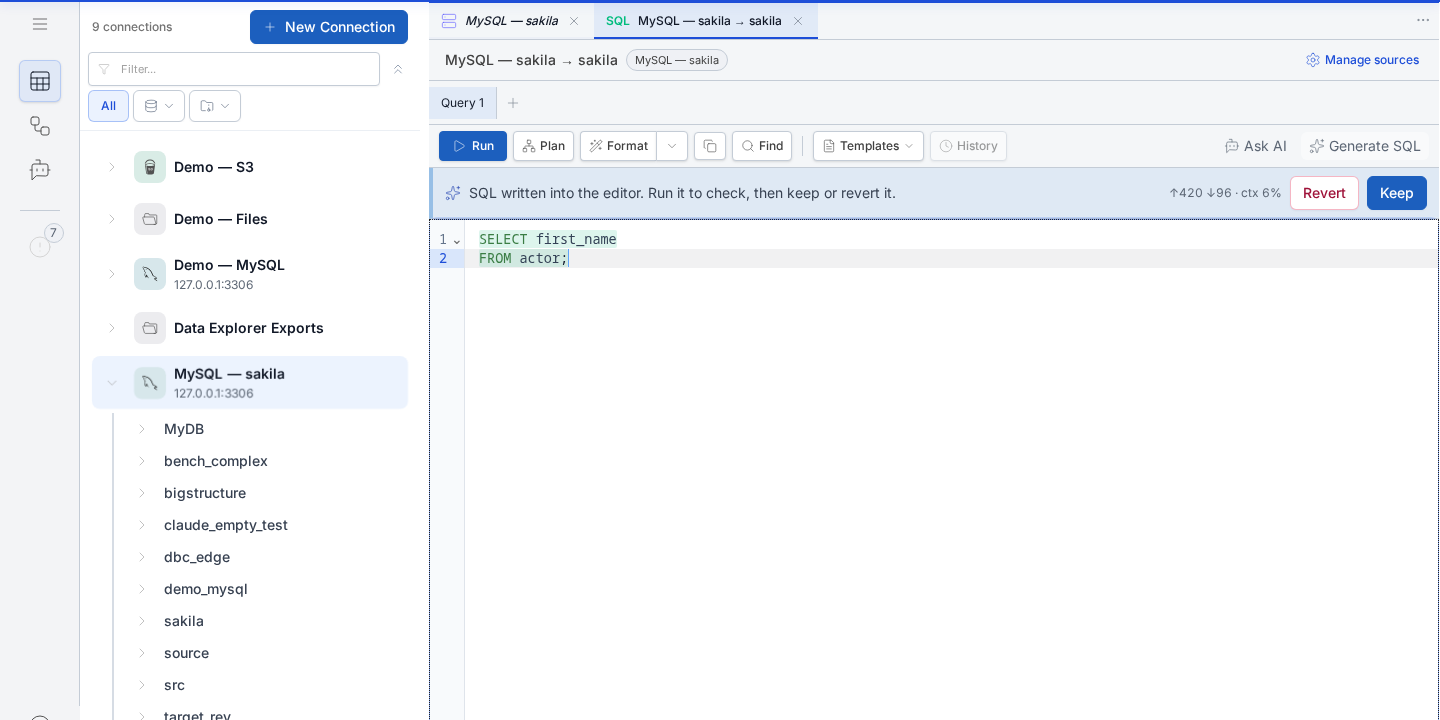
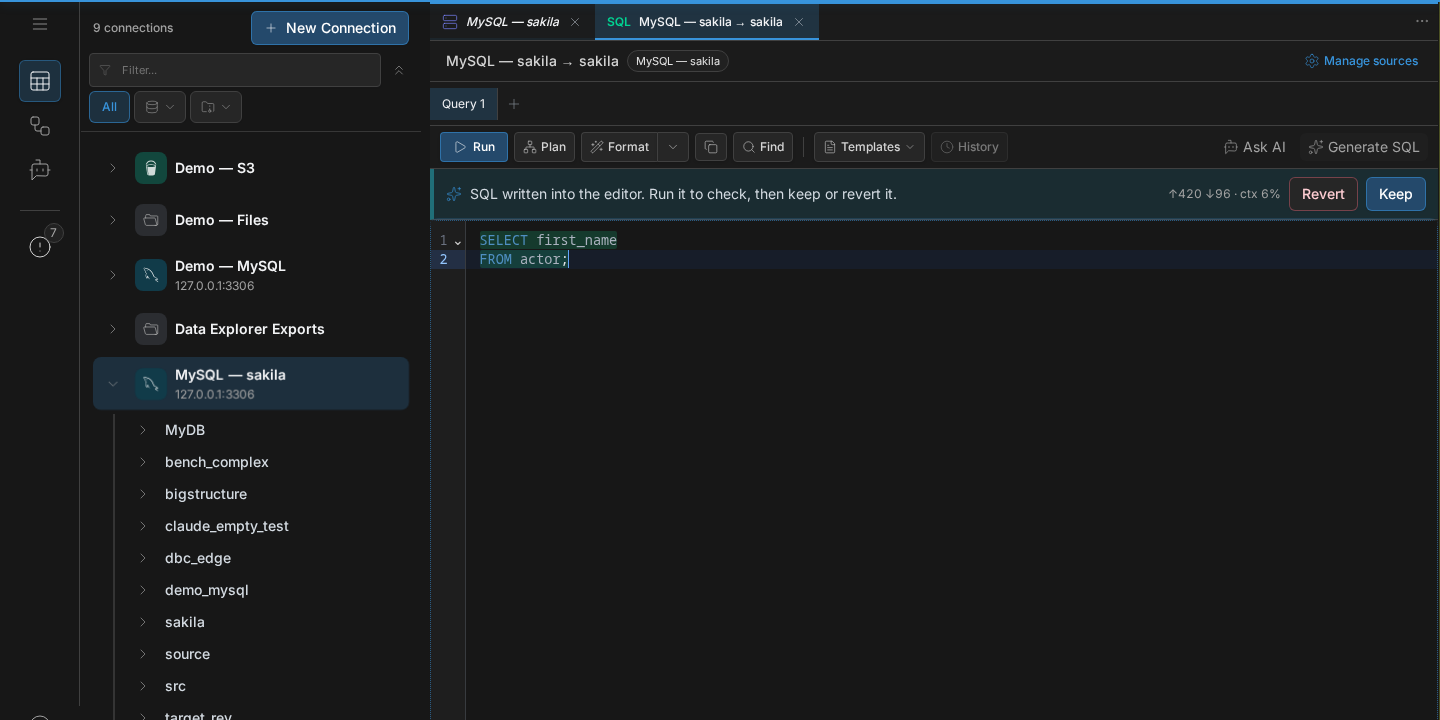
Because it's the same engine, it can write federated queries across multiple attached sources (a database + a folder of CSVs), not just single-source SQL.
Your existing query is safe. A generated query you didn't want never overwrites the one you had — Revert puts it back.
Rewrite only a selection
Select part of the query first, then press ⌘K: only those lines are rewritten,
and the rest is left untouched. Good for "make this join a LEFT join" or "add a
date filter to this subquery".
Talk it through instead
⌘K writes for you; ⌘L (Ctrl+L) opens AI Chat with the current query
attached, so you can discuss it — "explain this", "why is it slow", "what would
break if I changed the join" — and only send it a follow-up when you're ready.
Next
- Using AI Chat — the conversational side.
- Fix a failed query — repair an error without losing the query you started with.
- SQL console — the editor itself.
- Federated queries — querying across sources.
- Text-to-SQL on a real database — two business questions answered from plain language against a live Sakila schema, the five-table joins they produced, and the one decision the model made without being asked.