AWS Deployment
This guide covers deploying DBConvert Streams on Amazon EC2.
Prerequisites
- AWS account
- SSH client for server access
Deployment Steps
- Launch EC2 Instance
- Log in to AWS Management Console
- Go to EC2 Dashboard
- Click "Launch Instance"
- Select any Linux distribution and choose instance type (t2.small/t3.small or larger recommended)
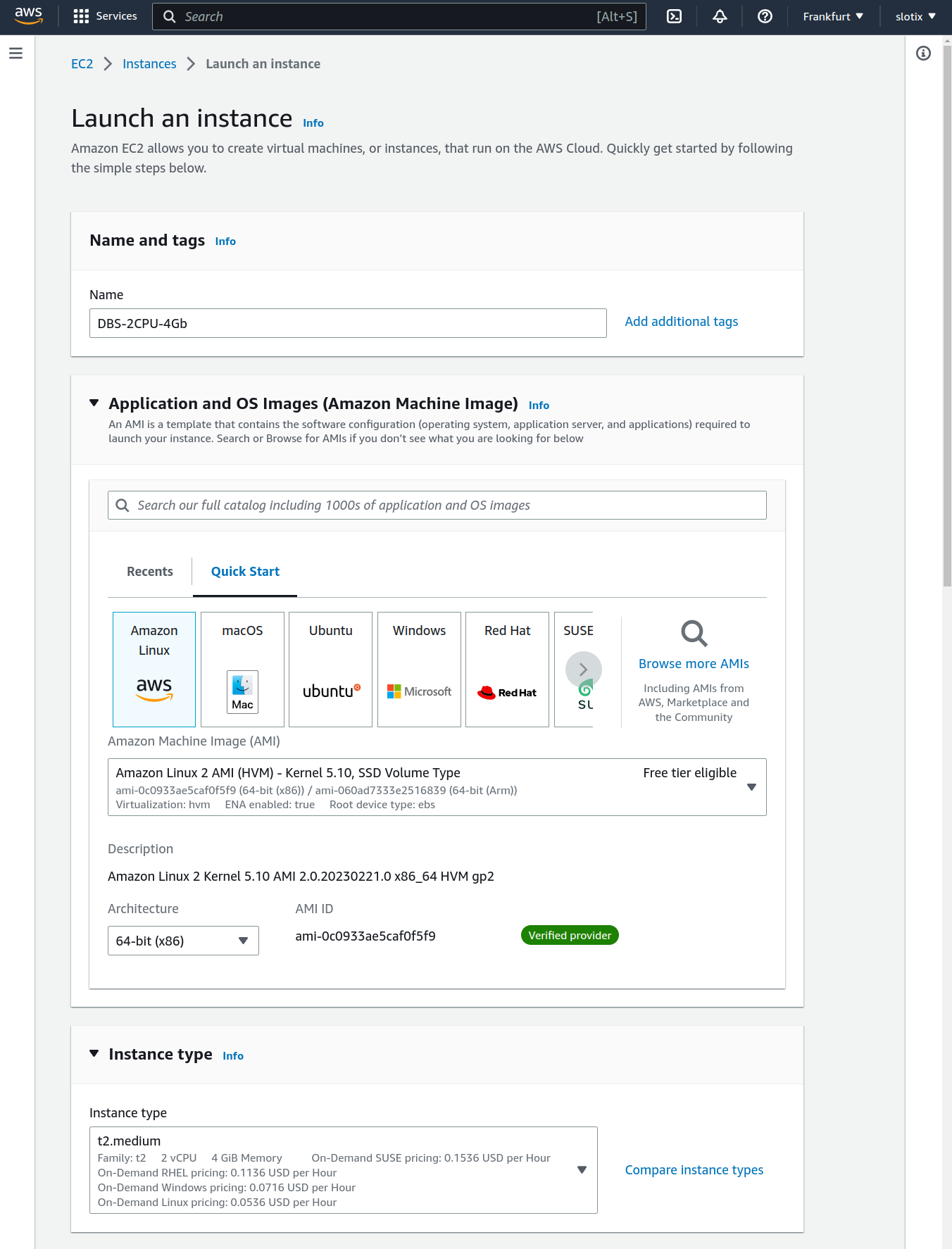
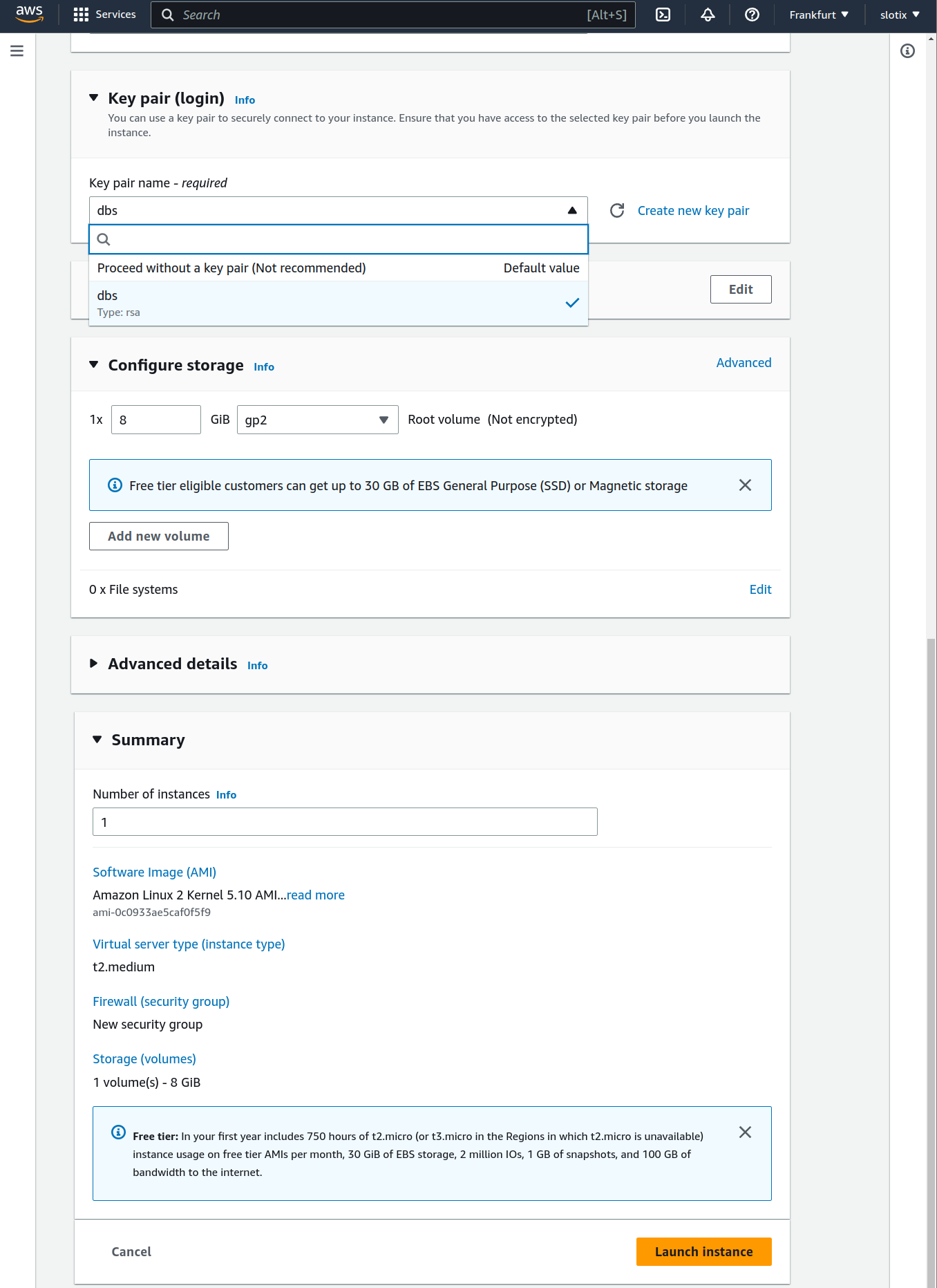
- Configure Key pair (login):
- Select existing key pair OR
- Create new key pair (download and save the .pem file)
- Configure storage (20GB minimum) and review the summary
- Click "Launch Instance"
After launch, the instance summary shows the public IP, instance state, and connection details.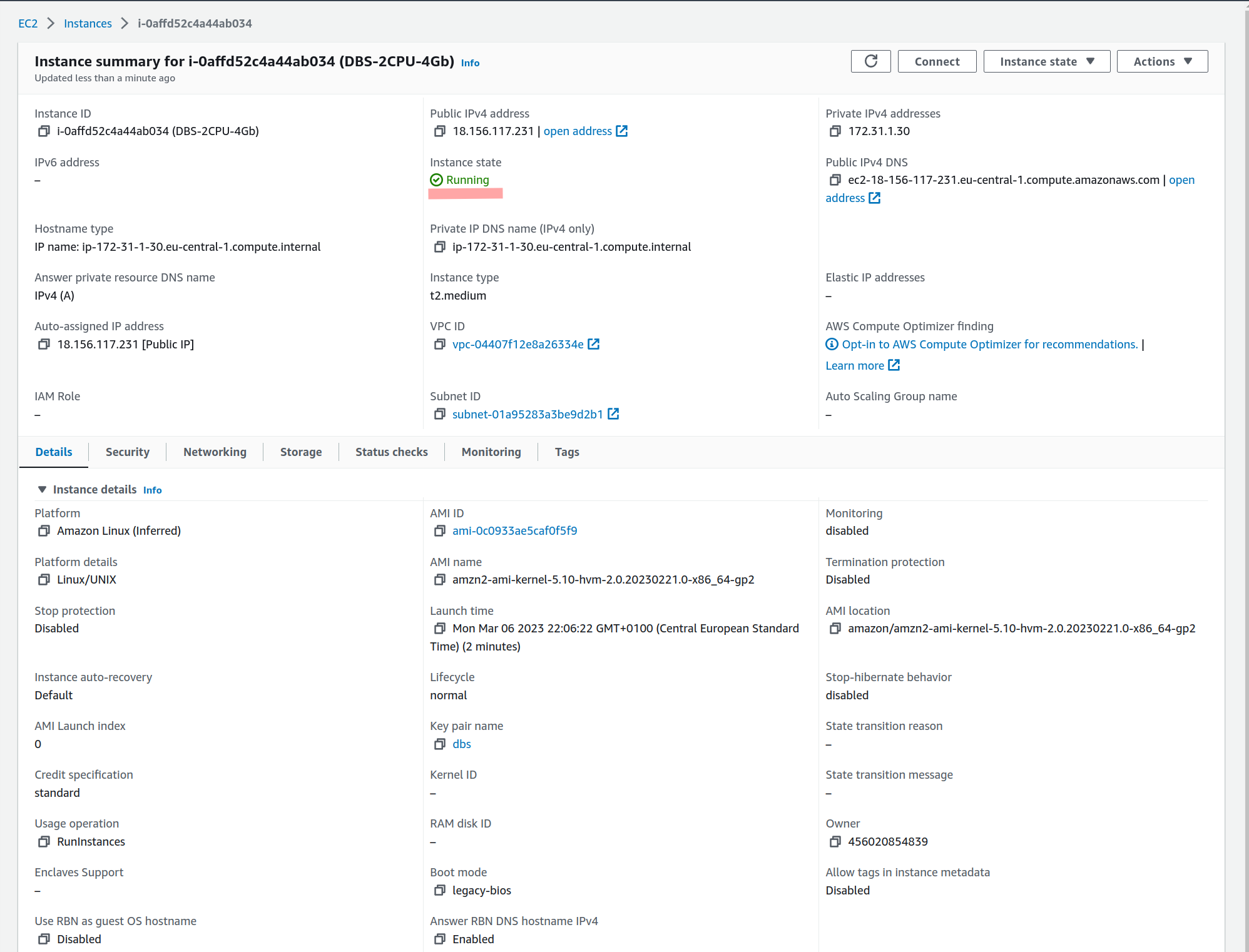
- Connect to Your Instance
Use the Connect button in the EC2 console to get the SSH command for your instance.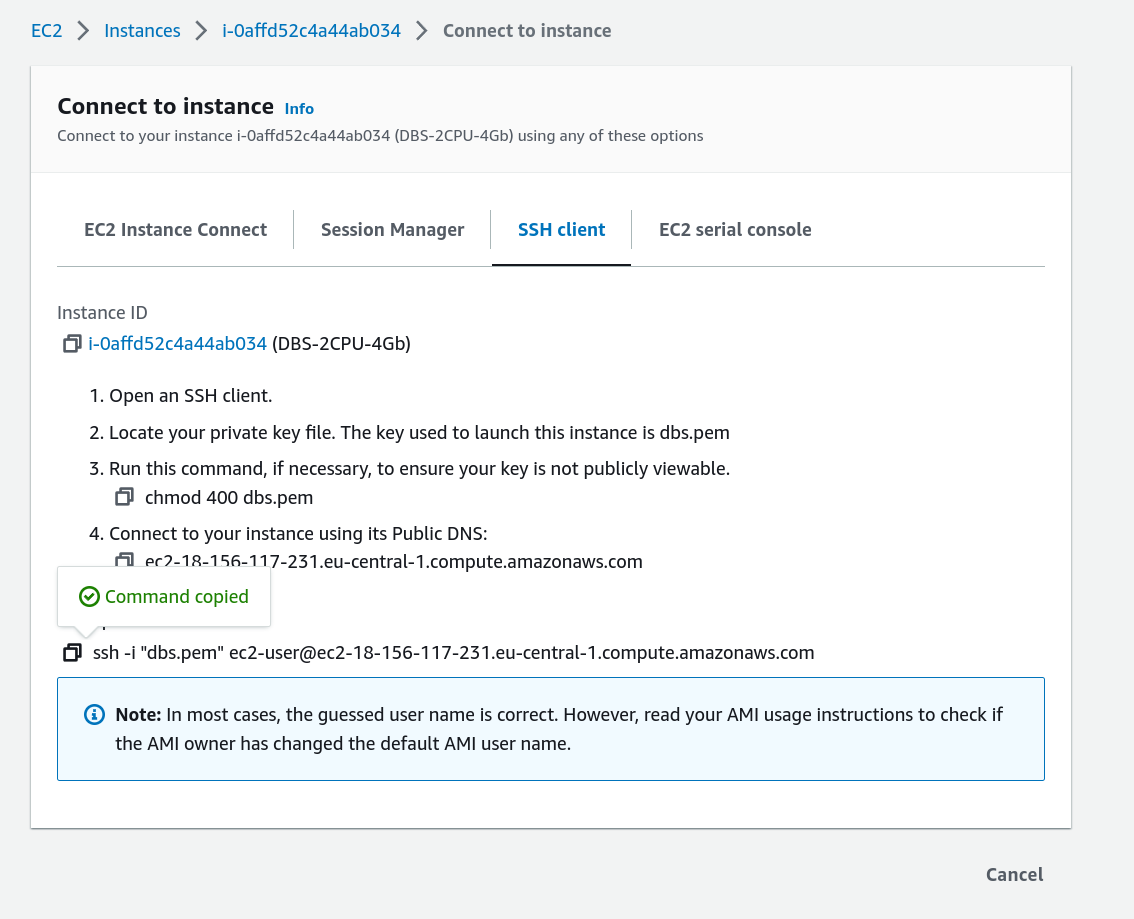
# Set correct permissions for your key pair file
chmod 400 your-key-pair.pem

# Connect using the key pair
ssh -i ~/.ssh/your-key-pair.pem ec2-user@YOUR_INSTANCE_IP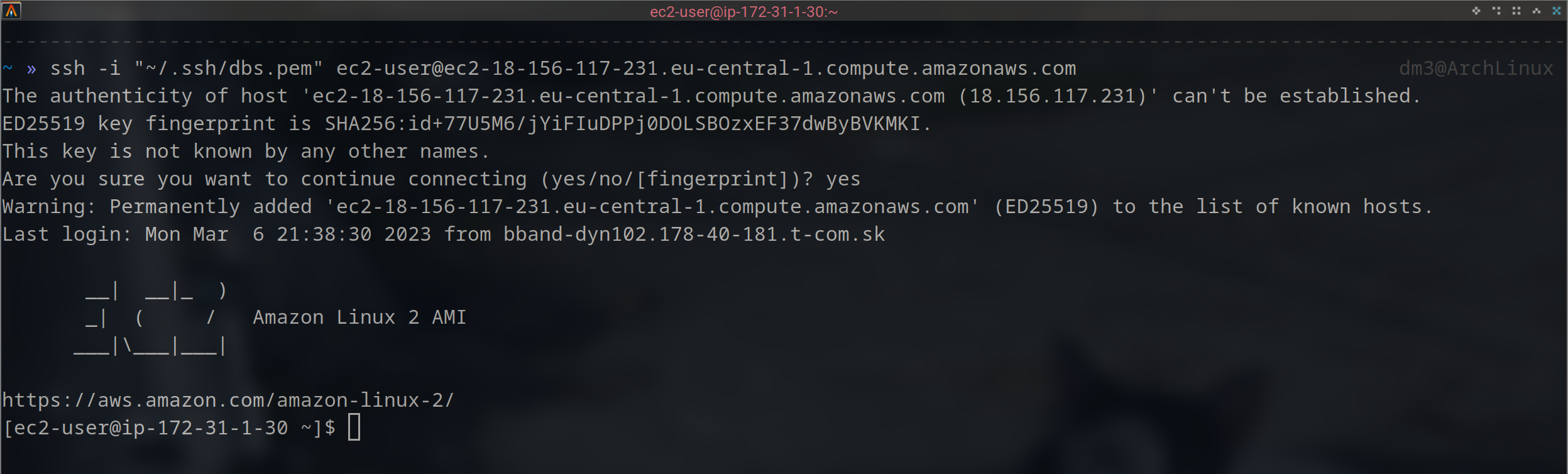
- Install and Start DBConvert Streams
# Install DBConvert Streams
curl -fsSL https://dbconvert.nyc3.digitaloceanspaces.com/downloads/streams/latest/docker-install.sh | sh

# Change to the installation directory
cd /opt/dbconvert-streams-docker

# Start with HTTP
./start.sh

# Or start with HTTPS (recommended for production)
./start.sh -s
Openhttp://YOUR_INSTANCE_IPin your browser. For the full setup guide, see Docker deployment.
Managing Services
Stop Services
./stop.sh
Update Services
./update.sh