Load Mode
Load mode is the bounded data-transfer mode in DBConvert Streams. It reads the selected source scope directly, writes the result to a target, and finishes when the transfer is complete.
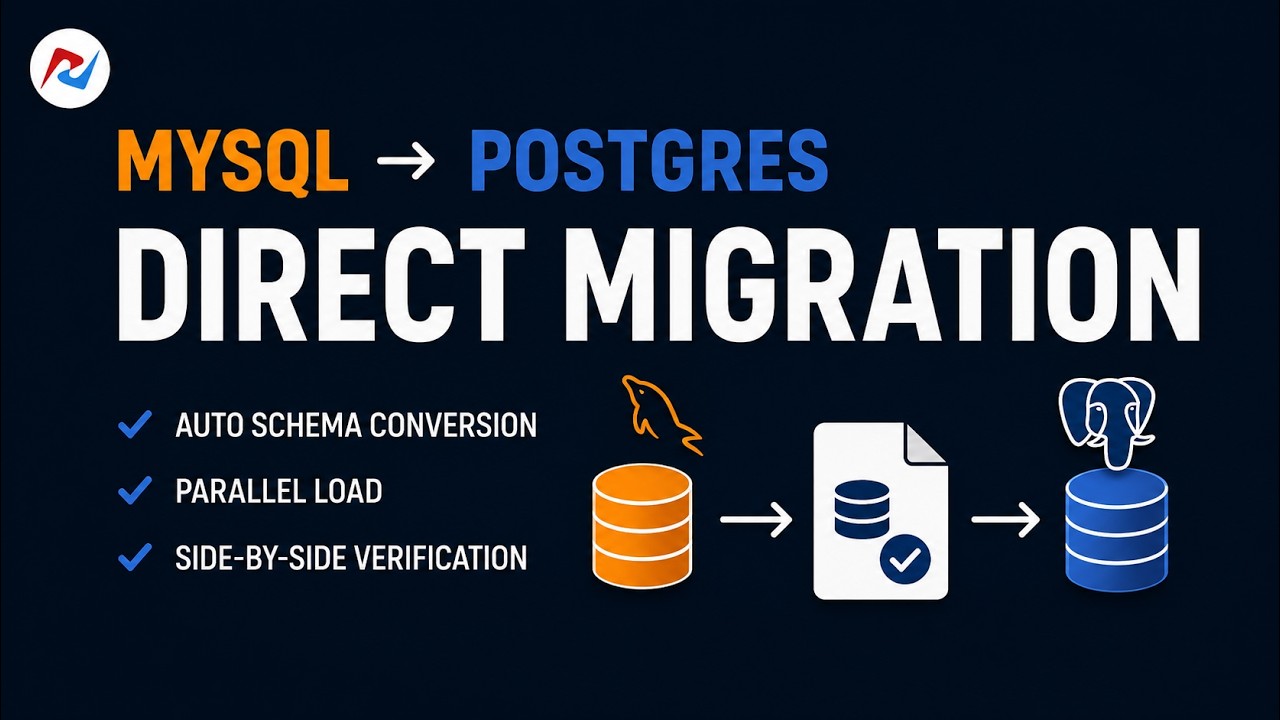 1:55Watch on YouTubeDatabase migration in 2 minutes: schema conversion and verification
When to use Load mode
Use Load when the job should finish after transferring the selected data — an initial load, a one-time sync, or a filtered export. For a side-by-side comparison with CDC, see CDC vs Load.
How it works
DBConvert Streams reads the selected tables or a custom SQL query from the source, applies the configured stream settings (structure handling, data policies), and writes to the target. The stream stops when the scope is complete or a configured limit is reached.
Load supports a broader set of source and target combinations than CDC. Sources include databases, local files (CSV, JSON, Parquet), and S3-compatible storage. Current targets include MySQL, PostgreSQL, Snowflake, files, and S3. Files and S3 are Load-only: CDC does not write to them. Load also supports multi-source streams — combining data from several connections in a single transfer. Confirm your combination in the Capability Matrix.
Source configuration by engine
| Source engine | Load configuration guide |
|---|---|
| MySQL-compatible | MySQL Load Mode Guide |
| PostgreSQL-compatible | PostgreSQL Load Mode Guide |
What Load does not do
- It does not capture ongoing changes after the transfer finishes — use CDC mode for that.
- It does not keep running after the selected scope is transferred.
- It does not propagate DDL changes made on the source after the stream starts. However, it does create tables, structures, and indexes on the target if they are missing — controlled by the structure options in the stream config.
Custom SQL queries
Load mode supports query-driven extraction — filter rows, select a subset of columns, or shape the exported dataset with a custom SELECT. See Custom SQL Queries for syntax and examples.
Typical rollout options with CDC
Use the pattern that matches your source-target support and rollout requirements:
- Preferred when supported: create one CDC stream with Initial Load + CDC enabled to do initial load and then continue with ongoing changes.
- Alternative: run Load first, then create a CDC stream on the same source to capture ongoing changes.
These options apply only when the source-target combination supports CDC (and Initial Load + CDC when using option 1).